Inside the dry compartment
Do not use Blender files for 3D printing. Use the STL downloads below instead.
Downloads are 100% free. You only need to log in or register.
Items needed for the build
- Depth sensor
- Connector
- 3D STL Files for housing
STL files for 3D printing
| Pict | Part name | Best mat | Qty | Notes |
|---|---|---|---|---|
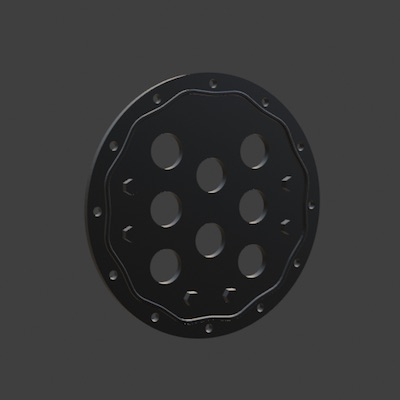 |
Dc_1 | ABS | 2 | This part is best CNC-machined from ABS |
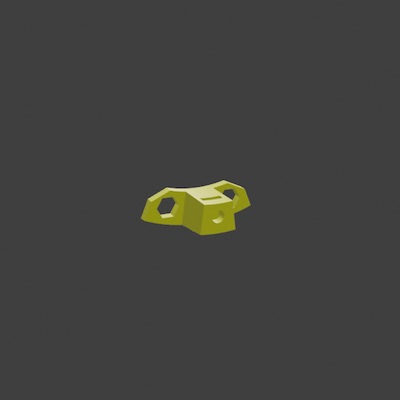 |
Dc_2 | PETG | 6 | PETG is fine, but if DC_1 is machined from ABS, then ABS or ASA is the best print material |
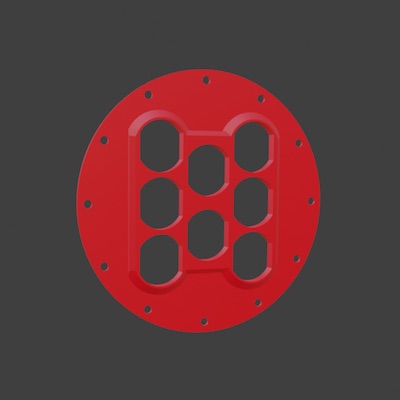 |
Dc_3 | PETG | 2 | PETG is fine, but if DC_1 is machined from ABS, then ABS or ASA is the best print material |
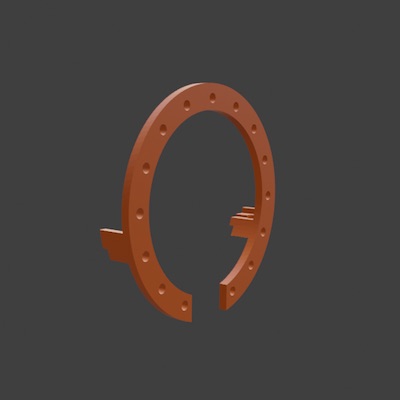 |
In_1 | PLA | 1 | PLA is fine, as these parts are not heavily loaded and are not exposed to water |
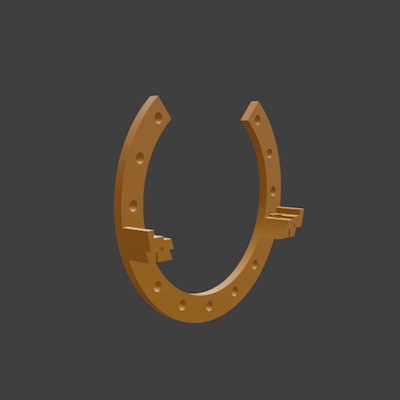 |
In_2 | PLA | 1 | |
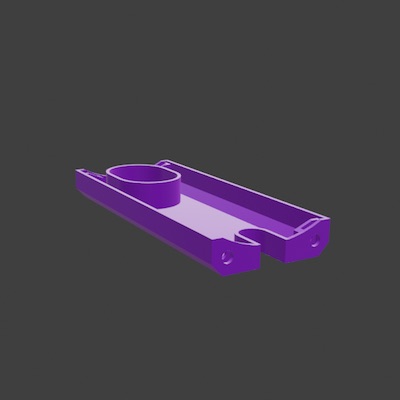 |
In_3 | PLA | 1 | |
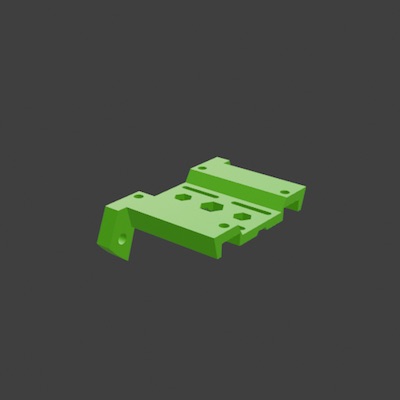 |
In_4 | PLA | 1 | |
 |
In_5 | PLA | 1 | |
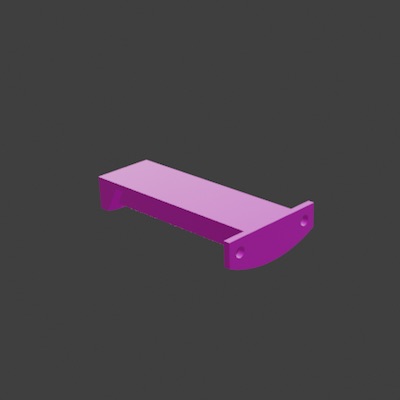 |
In_6 | PLA | 1 | |
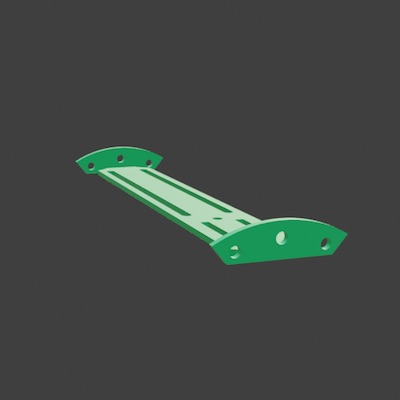 |
In_7 | PLA | 1 | |
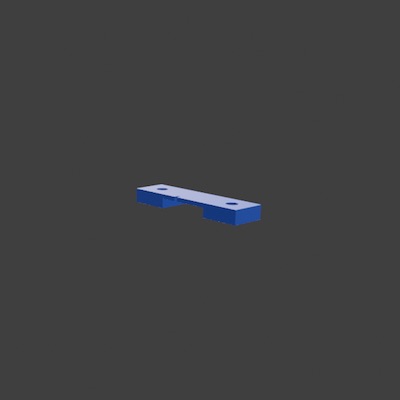 |
In_8 | PLA | 1 | |
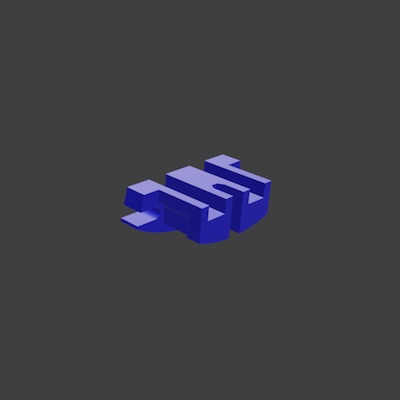 |
In_9 | PLA | 1 |
3D part downloads are 100% free and the files are complete.
You only need to log in or register.
JLCPCB: CNC machined cover
Although you can 3D print this cover in ABS, the best and safest part is CNC-machined. Use a local shop or JLCPCB — we have had great experience with their service.
Upload part Dc_1 to JLCPCB via their client dashboard and choose the material you want — we usually choose ABS.
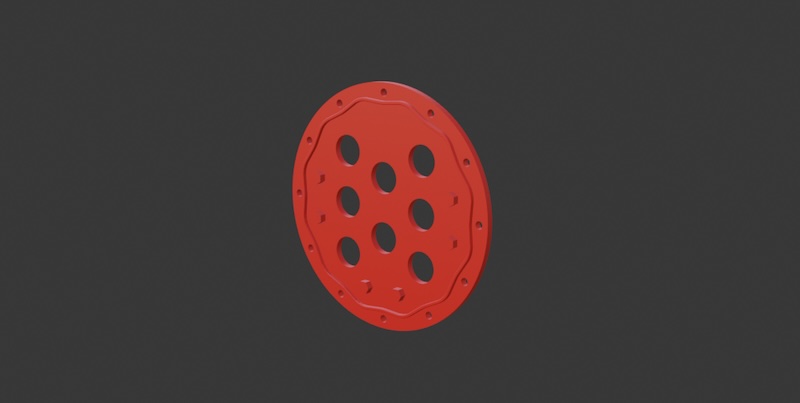
Do not use Blender files for 3D printing or CNC machining. Use the STL downloads instead.
Downloads are 100% free. You only need to log in or register.
Register, log in, and find the CNC machining service. Upload the file and create an order.
BUILD ASSISTANT
Follow the Build Assistant to print inside-tube mount parts
Follow the Build Assistant to install the craft's firmware
Follow the Build Assistant to complete the dry-compartment electronics mount
Related parts
- Connectors